 The Excel Connector product allows you to set up a communication link between Excel and any OPC server.
It is possible to subscribe to and view real-time data, and also write the data back. No programming, macros or add-ins are necessary. With just drag-and-drop or copy-and-paste, you can create Microsoft Excel sheets with live, animated OPC data.



Professional Communication
Software Development Tools


Featured Product: QuickOPC
With QuickOPC, you can forget pages of complicated code and get results with a few lines of code using a programming tool and language of your choice. Benefits...
The simple code below (in C# language) reads and displays an item value, using QuickOPC in .NET:
// Read item value and display it in a message box
MessageBox.Show(EasyDAClient.SharedInstance.ReadItemValue(
    "", "OPCLabs.KitServer.2", "Demo.Single").ToString());
The code below subscribes to changes of an item, and displays the value with each change:
// The callback is a lambda expression that displays the value
EasyDAClient.SharedInstance.SubscribeItem(
    "", "OPCLabs.KitServer.2", "Demo.Single", 1000,
    (_, args) => Console.WriteLine(args.Vtq.Value));
No other product can do this in such a clear and concise code, in a single statement! The programming is straightforward, and the developer can focus on getting the work done and not on fighting the intricacies of OPC protocols.
The same code simplicity is maintained in other programming languages. Click the link to explore the corresponding examples in Visual Basic (VB.NET).
OPC Certification
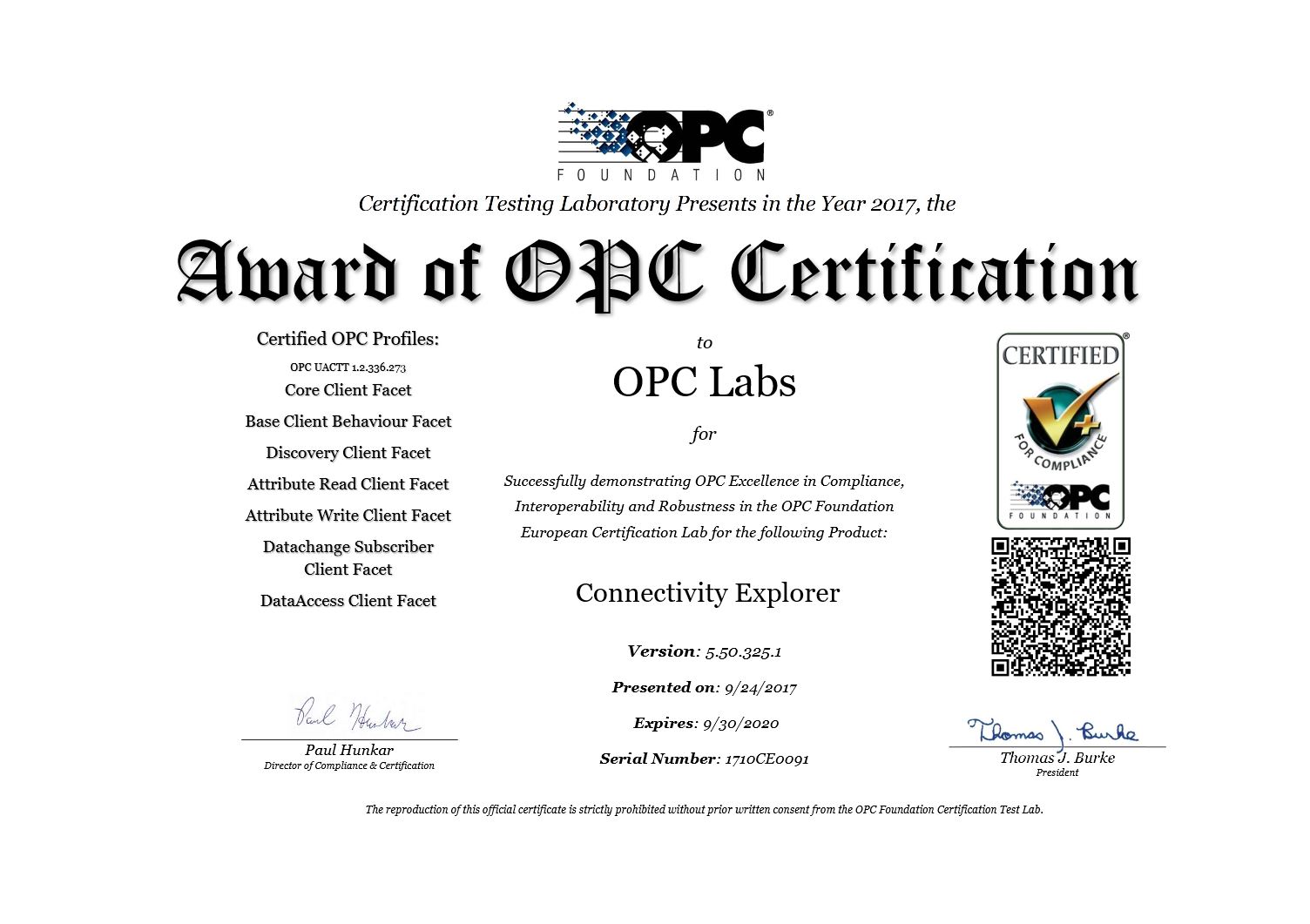
 QuickOPC (by the means of its Connectivity Explorer application) is certified for compliance by OPC Foundation Certification Testing Laboratory. For OPC Unified Architecture, it is the first product of its kind (.NET-based client toolkit) that has been awarded this certification.